On-device OCR · iPhone
Your iPhone is already a scanner.
This makes it a good one.
Point it at a page. Scanner AI Pro finds the edges, waits for your hand to settle, and hands you a clean, sharp PDF — then lets you actually edit it. Sign it, redact it, retype the text that's printed on it, and export to whatever format you need.
- On-deviceNothing is uploaded
- No accountOpen it and scan
- 6 formatsPDF, DOC, XLS, PPT, JPG, TXT
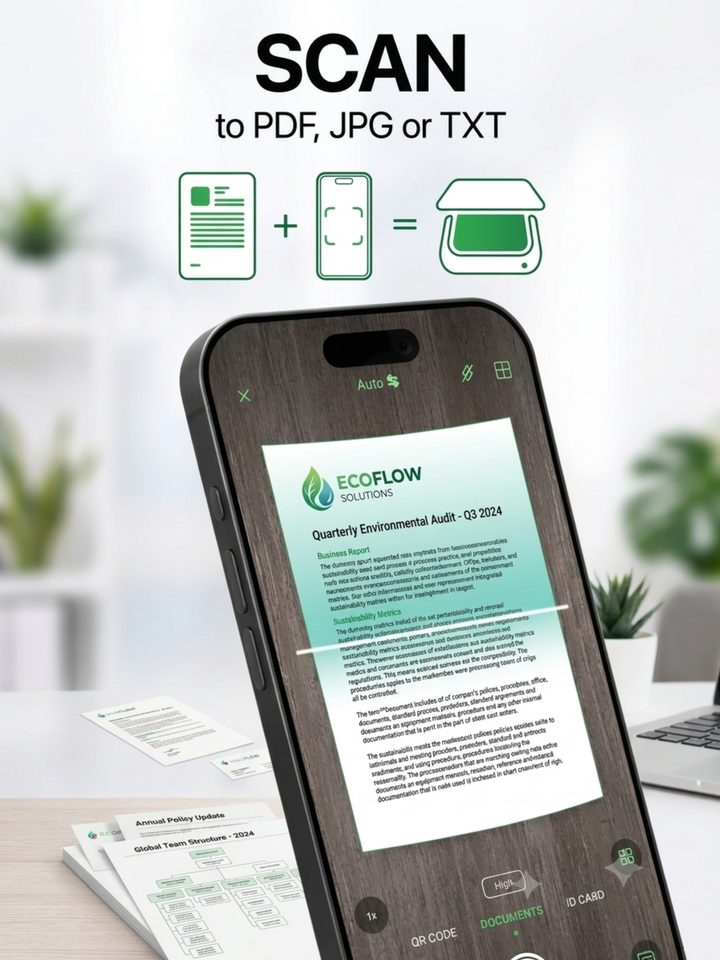
Paper in. PDF out. Three seconds.
-
01
Point
A wide-angle view means you don't have to hold your phone up by your forehead to fit a sheet of A4. Live edge detection finds the page while you're still moving.
-
02
Capture
Auto-capture waits until the whole document is in frame and your hand is steady, then shoots at full sensor resolution and flattens the perspective.
-
03
Work on it
The scan opens as a real document, not a photo. Every word on it has already been read, so you can search it, retype it, or export it as text.
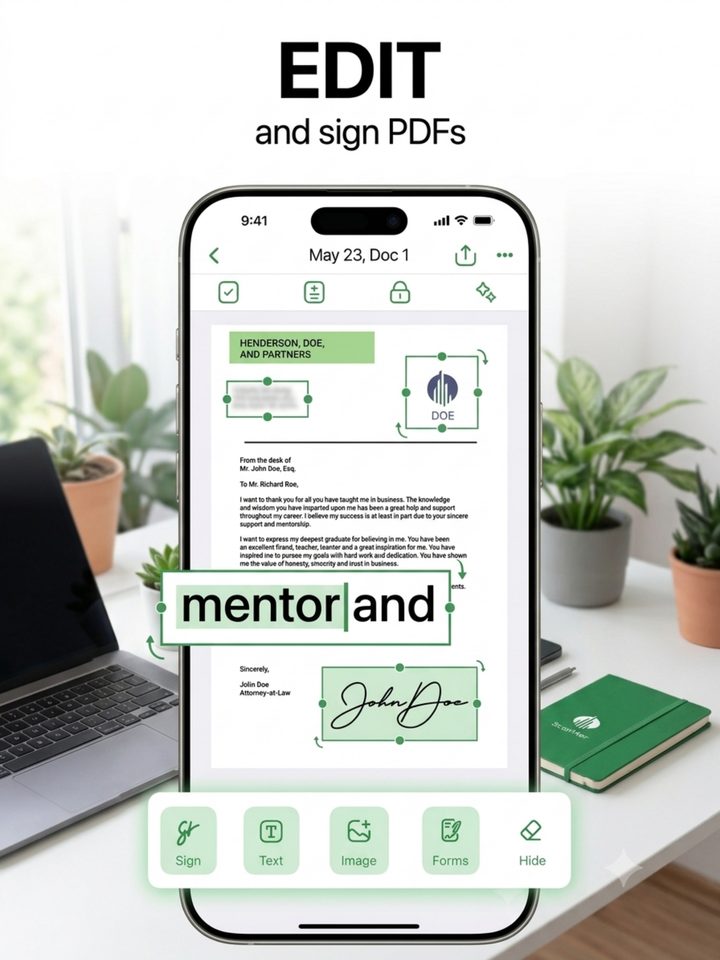
Edit & sign
A PDF editor, not a text box.
Open any document and work directly on the page. Add text, drop in an image or a logo, place a signature, or hide a block of sensitive information. Pinch to zoom in on the small print.
Draw your signature with a finger, drag it exactly where it belongs, resize it — and it's baked into the PDF. No printing, no scanning back in.
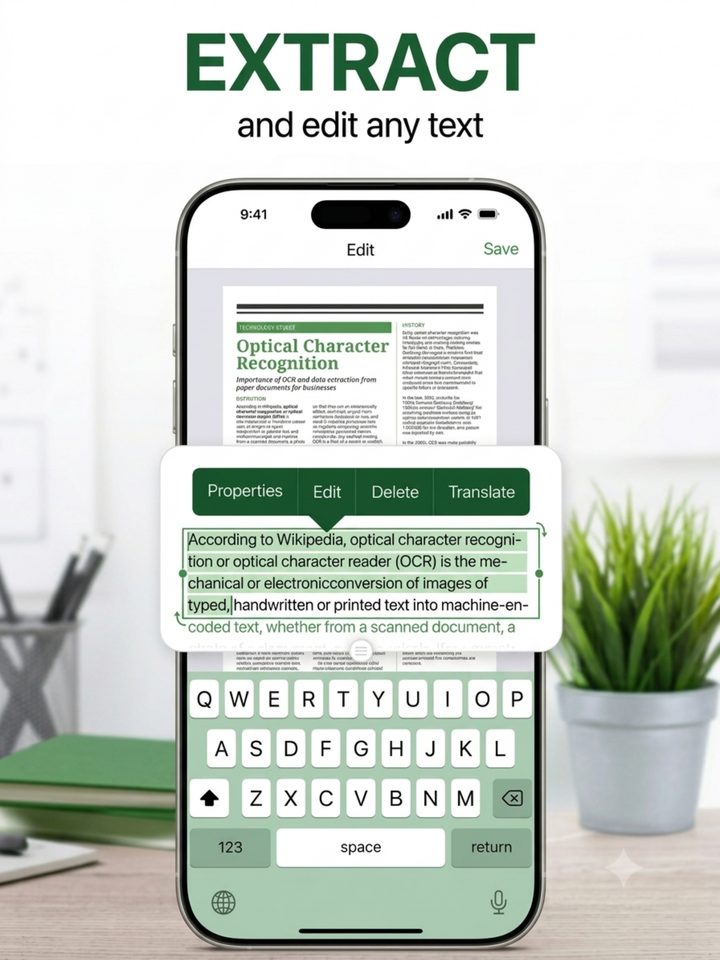
Recognize & retype
Change what the page says.
Tap a line of recognized text and retype it in place. The original is covered with the page's own background colour, so the edit looks like it was always there.
Text recognition runs on Apple's Vision framework, on your phone. The document never leaves the device to be read.
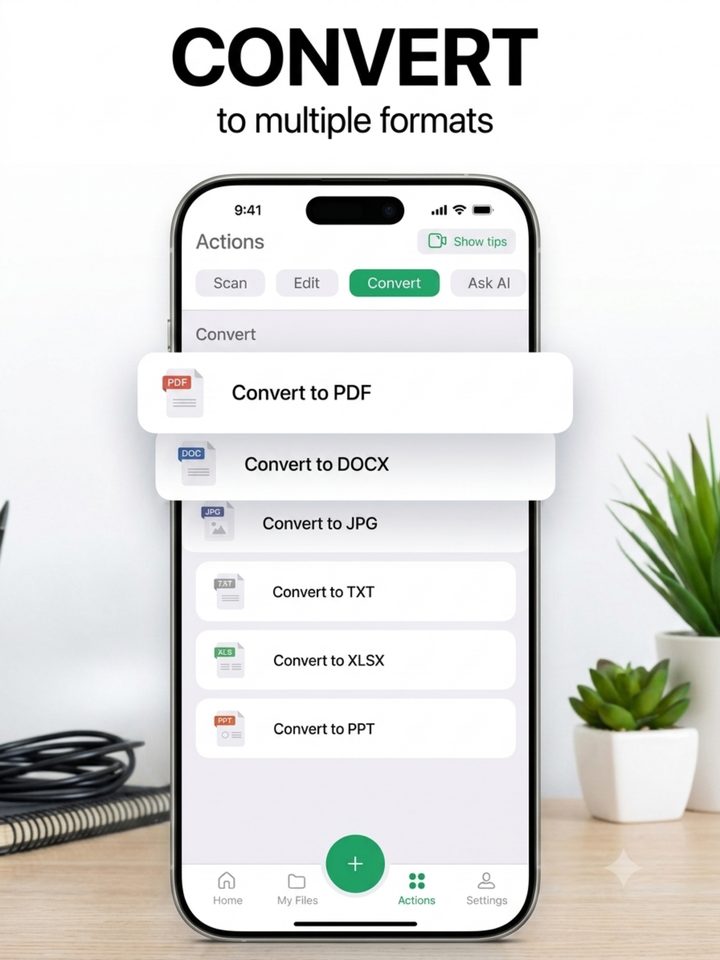
Export
Out to anything.
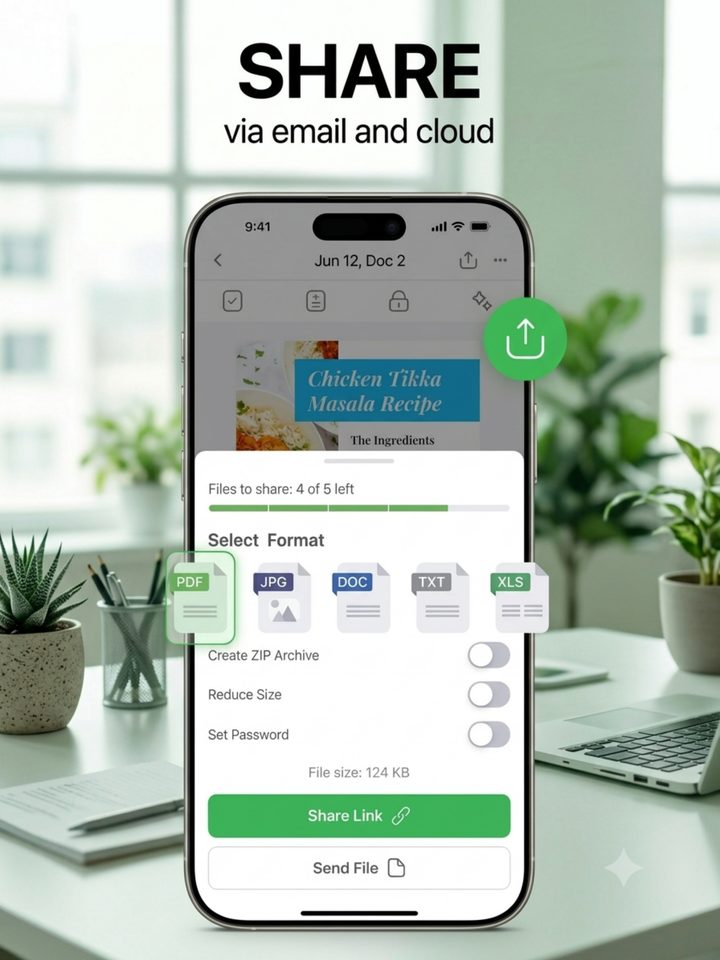
PDF, JPG, plain text, Word, Excel or PowerPoint. The text-based formats are built from the words recognized in your scan — so you get something you can actually edit, not a picture of a document in a .docx wrapper.
Reduce the file size, set a password, or zip a whole batch on the way out.
Share
Send it before you've stood up.
Hand the finished file straight to Mail, Messages, Files, or any cloud app you already use. Share a link, or send the document itself.
Whatever you pass it to, that app's rules take over from there — we're not in the middle of it.
ID & passports
The awkward ones, too.
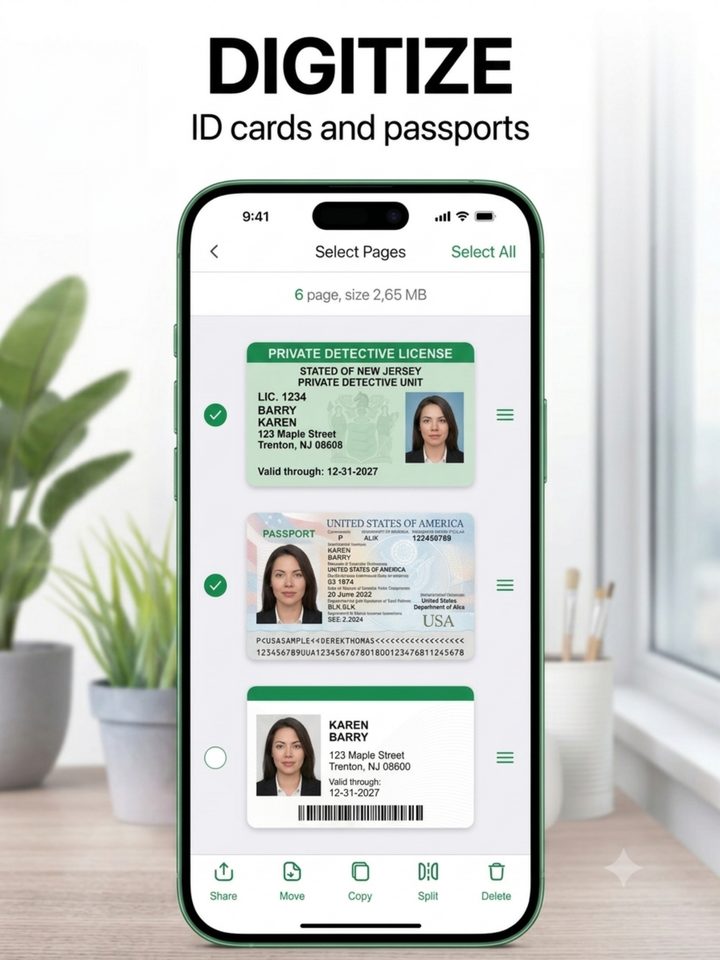
ID cards, passports, receipts, business cards. Small, glossy, badly lit things that a flatbed scanner would fight you over.
Both sides onto one page, cropped square, glare knocked down.
Your paperwork stays on your phone.
Scans, recognized text, and finished documents are stored on the device and processed there. We don't run servers that hold your documents, because we don't want to be responsible for them. There's no account to make, no analytics SDK, no ad identifier, and nothing to opt out of.
One plan. No free tier.
Weekly
$7.79/week
- Unlimited scanning
- On-device text recognition
- Full PDF editor, signatures & redaction
- Export to PDF, DOC, XLS, PPT, JPG, TXT
- Everything, from the moment you subscribe
Auto-renewing subscription, billed through your Apple ID. It renews each week unless cancelled at least 24 hours before the period ends. Manage or cancel any time in your Apple ID settings. Prices in other regions vary.
Questions? support@scanneraipro.com